

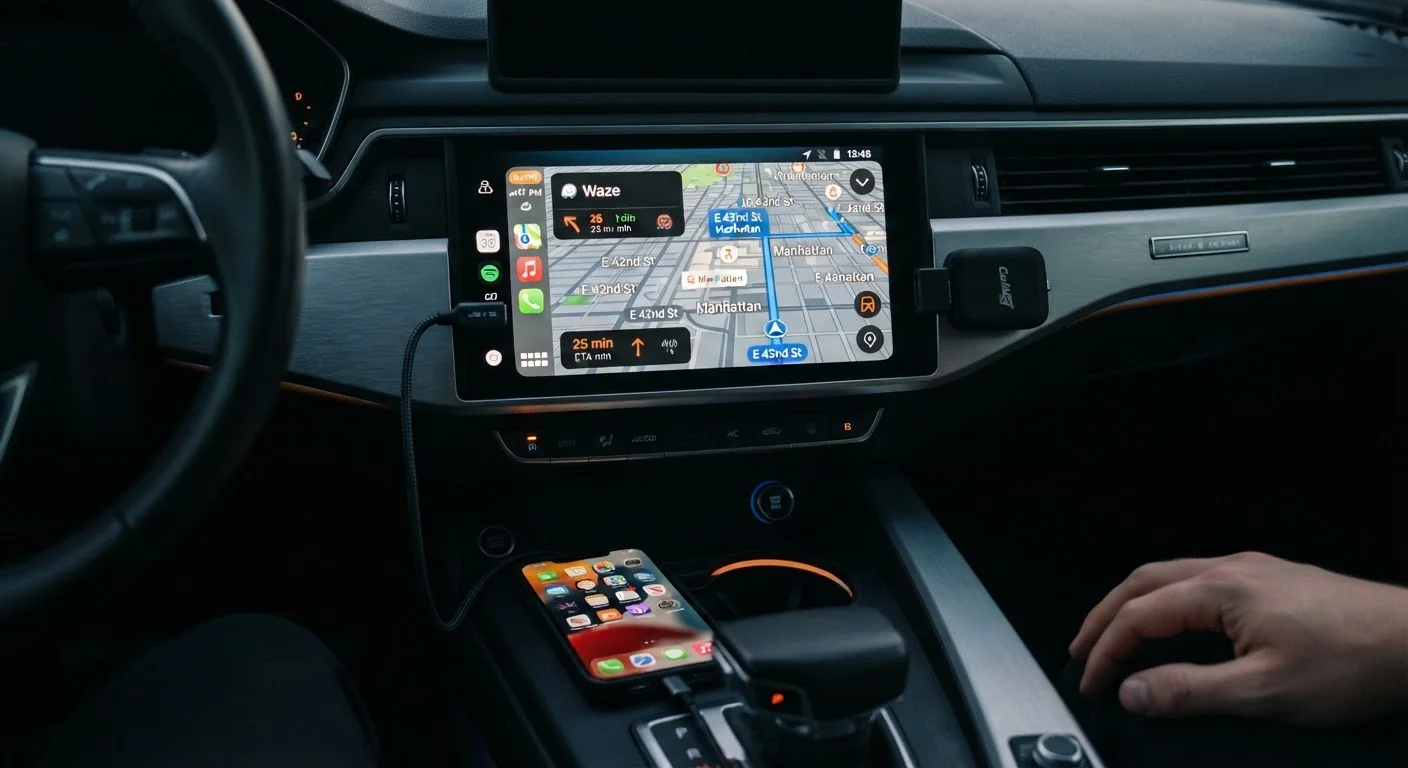
Option A
Wired CarPlay / Android Auto
The reliable, plug-in standard most cars shipped with.
Best for: Drivers who want a consistent, lag-free connection without extra hardware or charging dependencies.
Option B
Wireless Adapters for CarPlay / Android Auto
The cable-cutting upgrade for factory-wired systems.
Best for: Drivers whose vehicles only support wired connections but want the convenience of cable-free use.
How Each Connection Type Actually Works
Standard CarPlay and Android Auto transmit data over a USB cable connected directly between your phone and the car's head unit. The USB connection handles both data and, in most cases, phone charging simultaneously. It's a straightforward protocol - your phone authenticates with the head unit in seconds, and the infotainment screen mirrors a simplified version of your phone's interface.
Wireless CarPlay and Android Auto, available natively on many newer vehicles, replace that cable with a dual-radio handshake: Bluetooth establishes the initial pairing, then the connection hands off to a 5 GHz Wi-Fi Direct link for actual data transfer. A wireless adapter dongle replicates this process for cars that only support wired connections. You plug the adapter into your car's USB port, pair your phone to it once via Bluetooth, and the adapter handles the Wi-Fi bridge in the background - presenting itself to your head unit as though it were a wired phone.
Understanding this distinction matters because each step in the wireless chain introduces a potential point of failure or latency. For a broader look at how vehicle add-ons actually deliver value, see our guide to car accessories worth buying.
| Criterion | Wired CarPlay / Android Auto | Wireless Adapter |
|---|---|---|
| Connection latency | Very low - near-instant response | Low to moderate - varies by adapter |
| Setup per trip | Plug in USB cable manually | Automatic on car start after initial pairing |
| Phone charging while connected | Full USB charging included | Reduced or no charging through adapter |
| Additional hardware needed | USB cable only | Adapter dongle (plug-in device) |
| Compatibility requirements | Works with any compatible head unit | Requires specific OS versions; head unit firmware matters |
| Risk of dropout or disconnection | Very low | Low to moderate depending on environment |
| Cost | Effectively zero (cable included or inexpensive) | Adapter adds meaningful upfront cost |
Real-World Performance: Where the Differences Show Up
In everyday use, wired connections respond faster to touch inputs and rarely stutter during audio playback or turn-by-turn navigation. The USB bandwidth ceiling is high enough that neither CarPlay nor Android Auto comes close to saturating it. If your priority is a seamless, distraction-free experience, the cable simply doesn't create problems.
Wireless adapters introduce variables. Most well-regarded adapters connect reliably within a few seconds of starting the car, and for routine tasks - playing music, making calls, quick navigation checks - the experience is largely indistinguishable from wired. Where some users notice a difference is in initial connection time, occasional brief freezes, or lag when switching between apps rapidly. Heat and radio interference in congested urban environments can also affect the Wi-Fi Direct link.
5 GHz
Wi-Fi band used by wireless CarPlay and Android Auto
Both Apple and Google specify 5 GHz Wi-Fi Direct for wireless projection, which offers speed but shorter effective range than 2.4 GHz.
~3-8 sec
Typical wireless adapter connection time after ignition
Most wireless adapters establish a usable connection within this window, though this varies by adapter model and phone OS version.
There's also a charging trade-off: when an adapter occupies your car's primary USB-A port, it draws power to run its own hardware, leaving less reliable charging output for your phone. Some adapters include a second USB-A port to compensate, but throughput is typically slower than a dedicated in-car USB charger or power inverter.
Compatibility is another consideration. Wireless adapters generally require iOS 10 or later for CarPlay and Android 11 or later for Android Auto, though specific adapters may have narrower requirements. Your head unit's firmware version matters too - older software sometimes rejects the adapter's handshake.
Which Setup Fits Your Driving Situation
For drivers whose vehicles came with wired-only CarPlay or Android Auto, a wireless adapter is a genuine quality-of-life upgrade - particularly if you make frequent short trips where plugging in feels disproportionate to the journey length. The set-it-and-forget-it pairing means your car is ready when you sit down.
If you're evaluating whether to invest in an adapter at all, consider how central your infotainment interface is to your driving routine. A driver who primarily uses their car for occasional errands and plays a single podcast playlist may find the cable barely registers as an inconvenience. A driver who depends on live traffic routing every weekday morning has much more at stake in connection reliability. Our complete guide to upgrading your vehicle sensibly offers a useful framework for deciding when an accessory genuinely earns its place.
It's also worth noting that if your new vehicle already supports wireless CarPlay or Android Auto natively, you don't need an adapter at all - the built-in implementation is typically more stable than any third-party dongle, since it's integrated directly into the head unit's hardware and software stack. Check your owner's manual or manufacturer's website to confirm your car's capabilities before purchasing anything.
Finally, regardless of connection type, keep your phone positioned where it doesn't require you to take your eyes off the road. Our guidance on phone mount placement covers what safe, legal positioning looks like in practice.
Check Your Head Unit Before Buying
Not all factory head units that support CarPlay or Android Auto are compatible with every wireless adapter on the market. Some older or manufacturer-specific systems use non-standard USB implementations that can prevent proper handshaking. Before purchasing an adapter, verify compatibility using the adapter manufacturer's stated vehicle compatibility list - and check whether your head unit firmware is current, as updates can resolve pairing issues.
The content on this site is provided for informational purposes only and should not be considered a substitute for professional advice. While we strive to provide accurate and up-to-date information, we make no guarantees regarding its completeness or accuracy. Always consult a qualified professional for advice specific to your circumstances before making any decisions.