

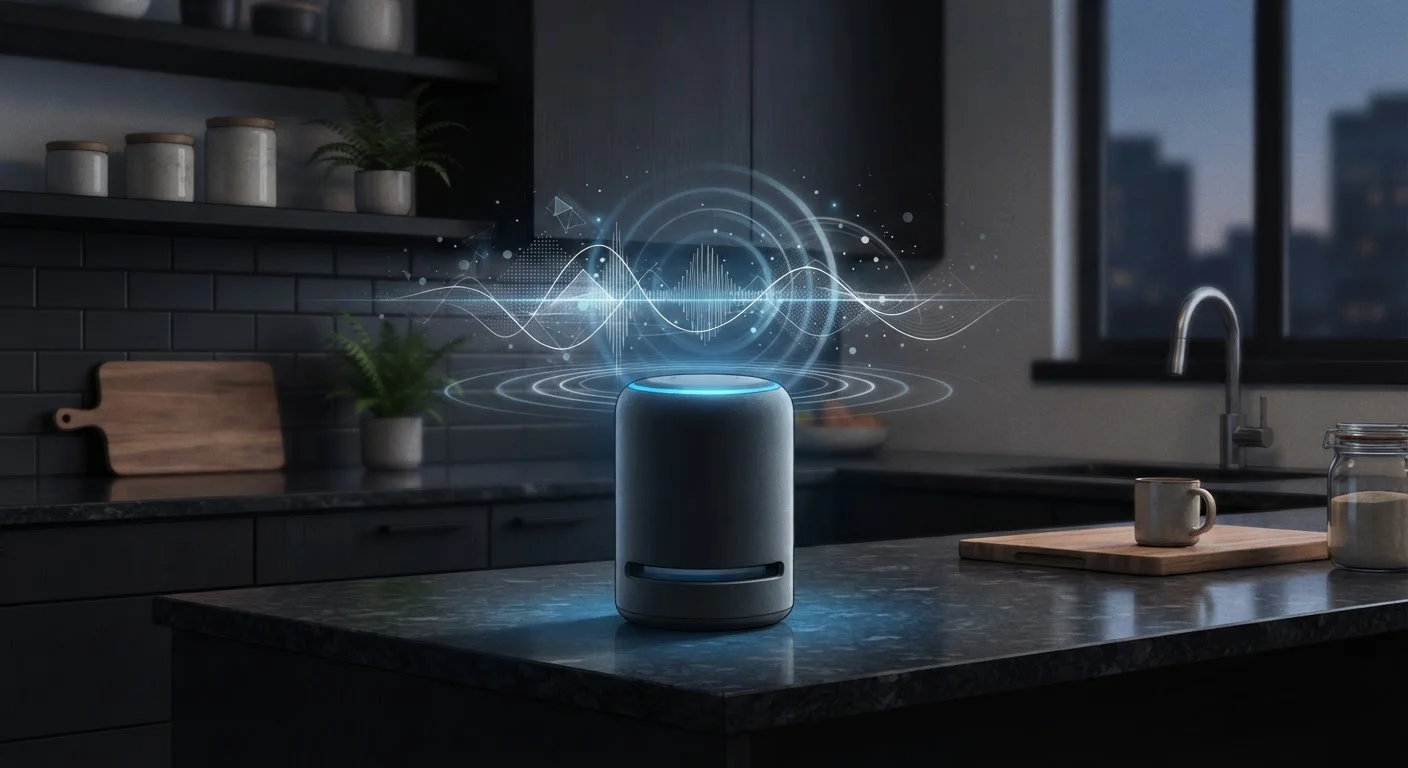
How Wake Words Actually Work
The phrase "always listening" is technically accurate but commonly misunderstood. Smart speakers continuously process audio locally - on a small chip inside the device - scanning only for a specific wake word like "Hey Siri" or "Alexa." This on-device processing does not record or transmit anything to the cloud.
Only after the wake word is detected does the device begin recording and sending audio to the manufacturer's servers for interpretation. That audio clip - typically a few seconds - is what powers the response you hear. Understanding this distinction is central to making informed decisions about smart speakers in your home. For a broader look at how devices in your home exchange data, see our guide to smart home ecosystems.
Myth
My smart speaker records everything said in the room, all day long.
Fact
Smart speakers only record audio after detecting a wake word. Continuous conversation is processed locally and never transmitted.
The always-on microphone listens exclusively for the wake word using a low-power chip inside the device. No audio is sent to external servers until that trigger phrase is recognized. While accidental activations can occur - caused by words that phonetically resemble the wake word - these are brief, isolated clips, not continuous recordings of household life.
Myth
Manufacturers are actively listening to my conversations in real time.
Fact
Processing is automated. Human review of recordings, where it occurs, is limited, opt-in or opt-out, and used for improving accuracy - not surveillance.
Voice requests are interpreted by automated systems, not human operators monitoring live feeds. Some manufacturers have historically used small samples of anonymized recordings for quality assurance purposes, a practice that generated significant public scrutiny. Most platforms now require explicit user consent for human review and provide a clear opt-out in account settings. Reviewing your platform's current privacy policy is the most reliable way to understand what applies to you.
Myth
Muting the microphone in the app gives me the same protection as the physical mute button.
Fact
A software mute can theoretically be overridden; a hardware mute physically disconnects the microphone circuit.
When you press the physical mute button on a smart speaker, it breaks the electrical connection to the microphone - a mechanical safeguard independent of software. App-based or voice-activated muting, by contrast, is a software instruction that a firmware bug or a compromised device could potentially bypass. For situations where privacy is a priority, the physical button provides a more reliable guarantee.
Myth
Deleting voice recordings from the app also removes them from the company's servers immediately.
Fact
Deletion timelines vary by platform; some data may persist in backups briefly before full removal.
When you delete recordings through a companion app or web dashboard, the platform is instructed to remove that data - but the technical reality of distributed server architectures means complete purging from all backups can take additional time. Manufacturers are required under regulations like GDPR (for applicable regions) to honor deletion requests within defined windows. Checking your platform's data retention documentation clarifies what "deleted" actually means in practice.
Myth
Smart speakers can be hacked to listen to you without triggering the wake word.
Fact
While no device is perfectly immune to vulnerabilities, known exploits of this kind are rare and are typically patched quickly by manufacturers.
Security researchers have demonstrated theoretical attack vectors - such as ultrasonic commands inaudible to humans - but these require physical proximity or specific conditions that are uncommon in ordinary home settings. Keeping your device's firmware updated is the single most effective defense against known exploits, as manufacturers release patches when vulnerabilities are discovered.
What Happens to Your Voice Data
After a voice query is processed, most manufacturers store the resulting audio clip and its transcript on their servers. This data is used to improve voice recognition accuracy and train machine learning models. Storage duration and access policies vary by platform - some retain clips indefinitely by default, while others automatically delete recordings after a set period.
The practical implication: snippets of conversation recorded after accidental activations may persist in your account history. All major platforms - including Amazon, Google, and Apple - provide dashboards where users can review and delete stored recordings. Regularly auditing that history is a straightforward privacy practice.
~19%
U.S. adults owning a smart speaker
According to Pew Research Center survey data, roughly one in five American adults reported owning a smart speaker, reflecting the technology's widespread adoption in homes.
Seconds
Typical length of a stored voice clip
Industry documentation from major smart speaker platforms indicates that triggered recordings are generally only a few seconds long - capturing the command, not surrounding conversation.
For context on how cloud dependency affects your devices more broadly, our article on local vs. cloud processing explains the trade-offs clearly.
Practical Steps to Manage Your Privacy
You don't have to choose between convenience and reasonable privacy. Most smart speakers include a physical mute button that disengages the microphone at the hardware level - a meaningful safeguard when you want guaranteed silence. Unlike a software toggle, a hardware mute cannot be overridden remotely.
Beyond muting, consider these habits: review your voice history monthly and delete clips you're uncomfortable with; disable the feature that allows human reviewers to audit recordings if your platform offers that opt-out; and position speakers away from rooms where sensitive conversations are likely. For device-level and network-level security practices that complement these steps, see our guide on keeping your smart home secure.
Review Your Voice History Regularly
Every major smart speaker platform provides a way to view, play back, and delete stored voice recordings - usually through the companion app or a web account page. Make it a habit to check this periodically. Accidental activations can capture fragments of private conversation, and data you delete is data that can no longer be retained or reviewed.
The content on this site is provided for informational purposes only and should not be considered a substitute for professional advice. While we strive to provide accurate and up-to-date information, we make no guarantees regarding its completeness or accuracy. Always consult a qualified professional for advice specific to your circumstances before making any decisions.