

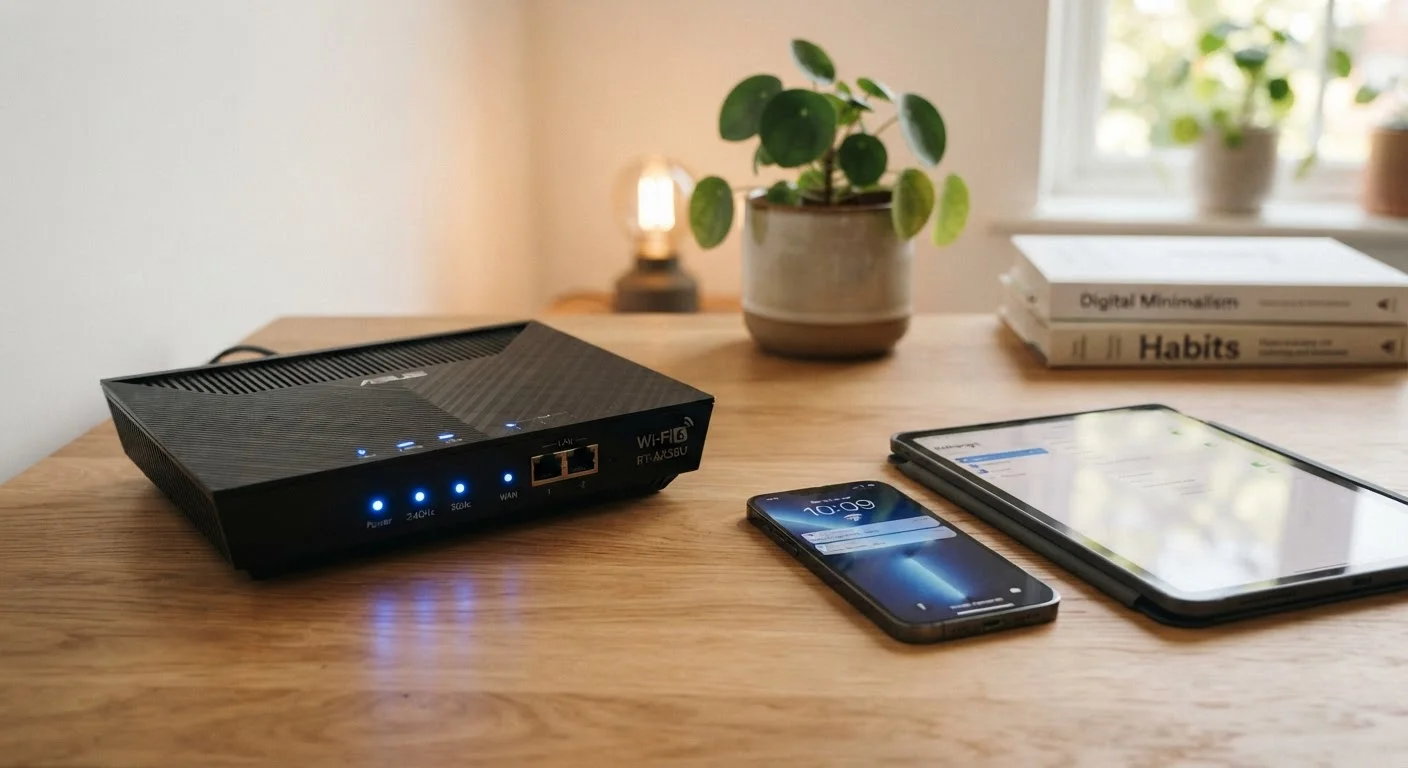
Why Networking Jargon Matters to Everyday Users
Setting up a router, troubleshooting a slow connection, or adding a smart device to your home all involve terminology that can feel foreign at first. Words like SSID, DNS, and latency appear in setup menus, ISP support chats, and product packaging - but rarely come with plain-language explanations.
This reference guide defines the terms you're most likely to encounter, whether you're installing a new router, expanding Wi-Fi coverage, or trying to understand why streaming keeps buffering. You don't need an IT background - just a willingness to look things up. For a broader tech vocabulary, see our glossary of computer terms that covers PC and laptop concepts in similar plain-English style.
SSID
The name of a Wi-Fi network as broadcast by a router. It's what you see in the list of available networks on your device. You can customize it in your router's settings.
DNS
Domain Name System - the internet's directory service. It converts human-readable website addresses into numerical IP addresses that computers use to locate servers.
Bandwidth
The maximum data-carrying capacity of a network connection, measured in Mbps or Gbps. It affects how much can be downloaded or uploaded at the same time across all devices.
Latency
The delay between sending a request and receiving a response, measured in milliseconds. Low latency is critical for video calls, gaming, and other real-time applications.
Mesh Network
A Wi-Fi system made up of multiple linked access points that together create one unified network. Devices move between nodes automatically without needing to reconnect.
IP Address
A unique numerical identifier assigned to each device on a network. Every device needs one to send and receive data correctly, whether on a local network or the internet.
DHCP
Dynamic Host Configuration Protocol - the automatic system that assigns IP addresses to devices when they join a network, eliminating the need for manual configuration.
Firewall
A security layer that monitors and controls incoming and outgoing network traffic. Home routers include a basic built-in firewall that blocks uninvited external connections by default.
WPA3
The most current Wi-Fi security protocol standard. It encrypts data sent over a wireless network and is more resistant to brute-force attacks than its predecessor, WPA2.
VPN
Virtual Private Network - a service that encrypts your internet traffic and routes it through a remote server, masking your IP address and adding a layer of privacy.
Gateway
The device - typically your router - that connects your local home network to the internet. All traffic to and from the internet passes through the gateway.
2.4 GHz / 5 GHz Band
The two primary radio frequency ranges used by Wi-Fi routers. The 2.4 GHz band covers more distance; the 5 GHz band delivers faster speeds at shorter range.
Core Connection Terms
These are the terms you'll encounter most often when connecting devices and configuring your router.
| Most common home Wi-Fi standard | Wi-Fi 6 (802.11ax) (IEEE 802.11 standards body) |
| Typical home broadband unit | Mbps (megabits per second) |
| Recommended Wi-Fi security protocol | WPA3 (or WPA2 if WPA3 unavailable) (Wi-Fi Alliance guidance) |
| Default IP address range for home routers | 192.168.x.x (private range) (IANA private address allocation) |
| Low latency target for video calls | Under 150 ms (round trip) (ITU-T G.114 recommendation) |
IP Address
An IP address (Internet Protocol address) is a unique numerical label assigned to every device on a network. Your router has one facing the public internet (your public IP), and each device on your home network gets a private IP. Think of it like a mailing address - it tells data where to go.
DHCP
DHCP (Dynamic Host Configuration Protocol) is the system your router uses to automatically assign IP addresses to devices when they connect. Without it, you'd need to configure each device's address manually.
DNS
DNS (Domain Name System) translates website names like example.com into the numerical IP addresses computers actually use. Your ISP provides a default DNS server, but many users switch to alternatives for speed or privacy reasons.
Gateway
Your gateway is the device - usually your router - that connects your home network to the wider internet. It acts as the traffic director between local devices and everything outside your home.
Wi-Fi and Wireless Terms
Wi-Fi has its own vocabulary, and understanding it helps you make sense of router settings and coverage decisions.
SSID
Your SSID (Service Set Identifier) is simply your Wi-Fi network's name - what you see when you scan for networks on a phone or laptop. Routers broadcast SSIDs so devices can identify and connect to them.
Frequency Bands: 2.4 GHz vs. 5 GHz
Modern routers typically broadcast on two frequency bands. The 2.4 GHz band offers longer range but slower speeds and is more prone to interference from other devices. The 5 GHz band provides faster speeds over shorter distances. Some routers also include a 6 GHz band (Wi-Fi 6E).
Mesh Network
A mesh network uses multiple access points placed around your home that communicate with each other to create a single, seamless Wi-Fi network. Unlike traditional range extenders, mesh nodes intelligently hand off devices as you move through your home. This is especially useful in larger homes or those with thick walls.
Wi-Fi Standards (802.11)
Wi-Fi generations are defined by IEEE standards. You may see labels like Wi-Fi 5 (802.11ac) or Wi-Fi 6 (802.11ax) on packaging. Newer standards generally support faster speeds and handle more simultaneous devices more efficiently.
Once your home network is solid, the next step is often connecting smart devices. Our article on how smart home devices communicate explains what protocols like Zigbee and Matter actually mean for compatibility.
Performance and Security Terms
When your connection feels slow or unreliable, these are the terms that tend to come up - and understanding them helps you diagnose what's actually happening.
Bandwidth
Bandwidth refers to the maximum data transfer capacity of your connection, typically measured in megabits per second (Mbps) or gigabits per second (Gbps). Higher bandwidth means more data can flow at once - important in households with multiple simultaneous users or high-resolution streaming.
Latency
Latency is the time it takes for data to travel from your device to a destination and back, measured in milliseconds (ms). Low latency matters most for real-time applications like video calls and online gaming. A fast connection with high latency can still feel sluggish for interactive tasks.
Firewall
A firewall monitors and filters incoming and outgoing network traffic based on security rules. Most home routers include a built-in firewall that blocks unsolicited incoming connections - a basic but important layer of protection.
WPA2 / WPA3
WPA2 and WPA3 are Wi-Fi security protocols that encrypt the data transmitted over your wireless network. WPA3 is the newer, more robust standard. If your router and devices support WPA3, using it is generally advisable over WPA2.
VPN (Virtual Private Network)
A VPN encrypts your internet traffic and routes it through a server elsewhere, masking your IP address and adding a privacy layer. Some routers support VPN configuration at the network level, protecting all connected devices at once.
Understanding these security terms connects directly to good habits for connected homes - our guide on keeping your smart home secure covers practical steps anyone can take.
Your Router's Admin Panel Is Worth Exploring
Most home routers have a web-based admin interface - typically accessible by typing an address like 192.168.1.1 into a browser. This is where you can view connected devices, update the SSID and password, check security settings, and configure parental controls. Consult your router's documentation for the exact address and default login credentials, and change the default admin password as soon as possible after setup.
The content on this site is provided for informational purposes only and should not be considered a substitute for professional advice. While we strive to provide accurate and up-to-date information, we make no guarantees regarding its completeness or accuracy. Always consult a qualified professional for advice specific to your circumstances before making any decisions.