

Our Verdict
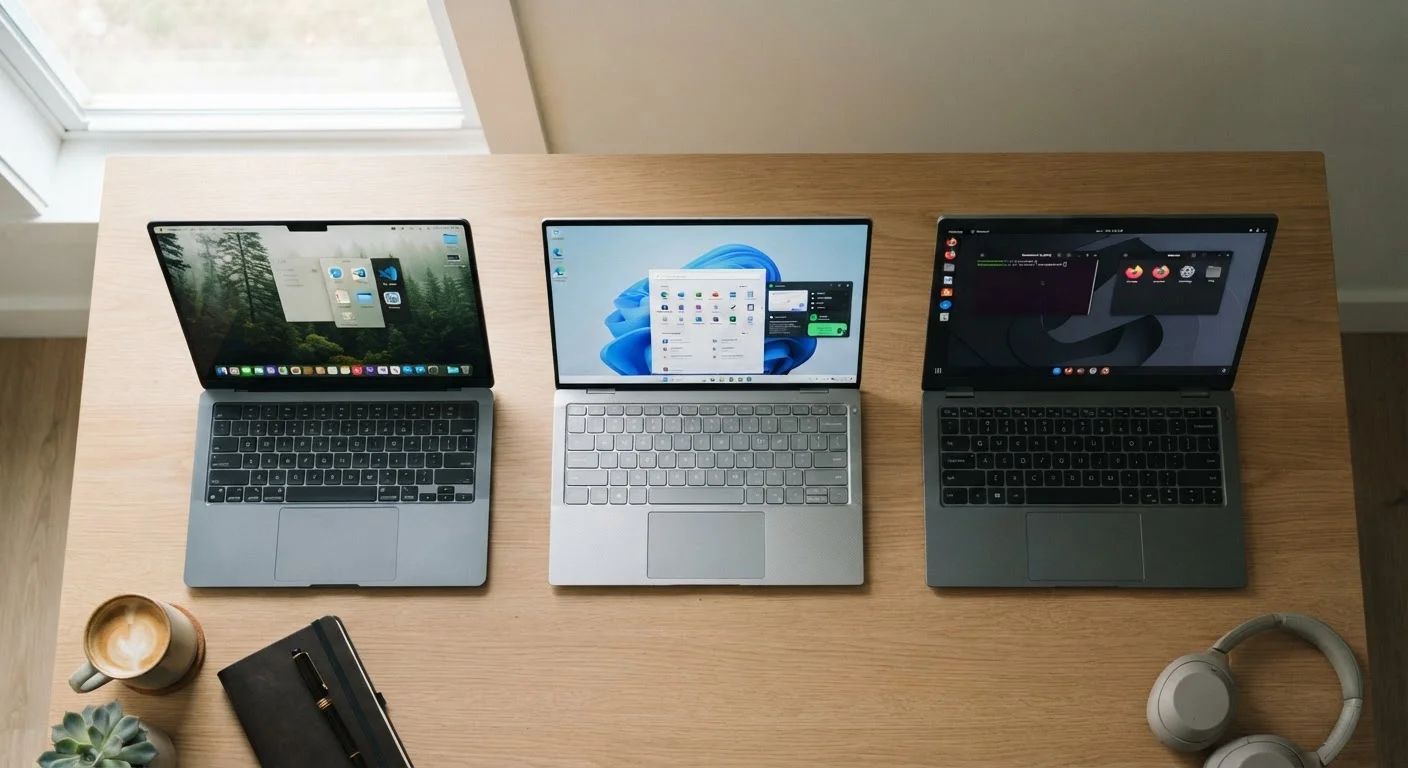
Each operating system serves a distinct type of user well. Windows offers the broadest hardware choice and software compatibility, macOS rewards those already in the Apple ecosystem, and ChromeOS suits users whose work lives primarily in a browser. No single option is objectively superior — the right fit depends on what you actually do day to day.
| Best for | Recommended |
|---|---|
| Users who need broad software and hardware flexibility | Windows |
| Those already using iPhone or iPad who value a seamless device ecosystem | macOS |
| Students, light users, or anyone who works mostly in a browser | ChromeOS |
| Creative professionals requiring specialized design or audio software | macOS |
What an Operating System Actually Does
An operating system (OS) is the software that manages everything on your computer — it's the layer between you and the hardware. When you open an app, save a file, or connect to Wi-Fi, the OS is handling the work behind the scenes. Think of it as the rulebook that every program on your computer has to follow.
Windows, macOS, and ChromeOS each take a different philosophy to that job. Understanding those differences — in plain terms — is far more useful than memorizing specs. For a broader glossary of computer terms, see our computer terms reference guide.
Windows: The Flexible Generalist
Windows, developed by Microsoft, runs on hardware made by dozens of manufacturers — from budget-friendly laptops to high-powered desktops. That breadth is its defining advantage: you have more price points, form factors, and configurations to choose from than with any other OS.
It also supports the widest range of software, including specialized programs for gaming, accounting, engineering, and creative work. If there's a desktop application you need to run, chances are it runs on Windows.
Hardware Quality Varies Widely on Windows
Because Windows runs on machines from many manufacturers, quality is inconsistent. A Windows laptop at a very low price point may feel noticeably underpowered or poorly built compared to a mid-range model. When evaluating Windows devices, look beyond the OS and assess build quality, display, and internal components carefully.
The trade-off is consistency. Because Windows runs on so many different machines, the experience can vary — a well-built Windows laptop feels very different from a cheap one. You're also responsible for more maintenance: keeping drivers updated, managing security software, and periodically dealing with system updates that can occasionally disrupt your workflow.
Windows tends to suit users who need flexibility — whether that's choosing specific hardware, running a particular program, or working within a corporate IT environment where Windows is the standard.
macOS: The Integrated Option
macOS runs exclusively on Apple's Mac computers. That closed approach — where Apple controls both the hardware and the software — results in a notably consistent, polished experience. Apps tend to feel cohesive, the system rarely requires manual driver management, and Macs generally receive software updates for many years.
If you already use an iPhone or iPad, macOS slots in naturally. Features like Handoff (starting a task on one device and continuing on another), AirDrop, and iMessage on the desktop work seamlessly within Apple's ecosystem in ways that are genuinely useful rather than just marketing points.
Already Using Apple Devices? Ecosystem Matters
If you own an iPhone, iPad, or Apple Watch, the integration benefits of macOS are genuinely practical — not just a selling point. Shared clipboard, seamless photo access, and cross-device notifications can meaningfully reduce friction in daily work. If you're not in Apple's ecosystem already, these benefits simply don't apply.
The limitations are real, though. macOS machines typically cost more upfront, and you can't mix and match hardware. Some specialized software — particularly in gaming, certain engineering fields, and older enterprise systems — is still Windows-only. And if you're not already in the Apple world, the ecosystem benefits don't apply to you.
For a closer look at how Apple's ecosystem connects across devices, our Android vs iOS comparison covers the smartphone side of that picture.
ChromeOS: The Browser-First Experience
ChromeOS, developed by Google, is built around the idea that most of what people do on a computer happens in a web browser. Email, document editing, video calls, streaming — all of these work through web apps, meaning ChromeOS devices (called Chromebooks) can run on modest hardware without feeling sluggish.
That simplicity translates into lower prices, fast startup times, and straightforward security. ChromeOS updates automatically and quietly, and because there's less to manage locally, these machines require very little maintenance.
| Windows | macOS | ChromeOS | |
|---|---|---|---|
| Hardware variety | Very wide — many brands and prices | Apple hardware only | Mostly budget to mid-range Chromebooks |
| Software compatibility | Broadest app and program support | Strong, with some gaps in specialist tools | Primarily web and Android apps only |
| Ease of maintenance | Requires more user attention | Largely handled by Apple | Minimal — updates are automatic |
| Ecosystem integration | Works with most devices | Best with iPhone, iPad, Apple Watch | Best with Android and Google services |
| Offline capability | Full offline functionality | Full offline functionality | Limited — many features need internet |
| Typical price range | Wide range, from budget to premium | Generally premium pricing | Often lower-cost entry points |
The constraints are significant if your needs go beyond the basics. Traditional desktop software doesn't run on ChromeOS. While many Chromebooks can run Android apps, that's not a full substitute for programs like full Adobe Creative Suite or specialized industry tools. ChromeOS also depends heavily on internet connectivity — many features work poorly or not at all offline.
It's a strong choice for students, light users, and anyone who primarily lives in Google's suite of tools (Docs, Sheets, Gmail, Meet). Our use-case matching guide can help you map your daily tasks to the right type of machine.
How to Decide: Start With Your Habits
The most reliable way to choose an OS is to audit what you actually do on a computer. Do you mostly browse, email, and video call? ChromeOS is worth serious consideration. Do you rely on specific software — accounting tools, niche creative apps, games — that only runs on certain platforms? That narrows your options quickly.
Also think about your other devices. If your phone is an iPhone and you rely on iCloud for photos and notes, macOS will integrate naturally. If you're an Android user or use Google services heavily, ChromeOS or Windows will feel more familiar.
Finally, consider the full picture beyond the purchase price. A cheaper Windows laptop may cost more in time if it requires more maintenance. A Chromebook may seem limiting if your offline needs grow. Our complete computer buying guide walks through all these factors in depth, and our PC myths article clears up some common misconceptions that can lead buyers in the wrong direction.
The content on this site is provided for informational purposes only and should not be considered a substitute for professional advice. While we strive to provide accurate and up-to-date information, we make no guarantees regarding its completeness or accuracy. Always consult a qualified professional for advice specific to your circumstances before making any decisions.