

Summary
18 items · 20-35 minutes
Why Tablet Selection Deserves Extra Care for Older Users
Tablets can offer real independence and connection for older adults - from staying in touch with family to managing appointments and enjoying entertainment. But picking the wrong device based on general popularity or price alone often leads to frustration and abandonment. The features that matter most shift considerably when the user has reduced vision, limited dexterity, or limited prior experience with touchscreens.
This checklist is designed for family members, caregivers, or older adults themselves who want a structured way to evaluate tablets before committing. It focuses on practical, everyday usability rather than technical benchmarks. For context on how screen quality decisions apply across device categories, see our guide on display factors buyers often overlook - many of the same principles apply here.
Screen & Display
Accessibility Features
Communication & Connectivity
Practical Usability
Tools That Make Evaluation Easier
Before working through the checklist, gather the following resources. Some items help you test a device in store; others are useful during setup at home.
Tablet display settings menu
Use the device's built-in display and accessibility settings to test font scaling, contrast, and voice features before committing.
Measuring tape or ruler
Measure screen diagonal size in store to confirm it meets the recommended minimum for comfortable reading.
Bluetooth hearing aid or headset
Test Bluetooth audio pairing during a store visit if the user relies on hearing assistance devices.
Retailer's return or trial policy
Confirm the return window before purchase so the device can be returned if real-world usability falls short.
Setting Up the Device After Purchase
Choosing the right tablet is only the first step. How it's configured out of the box - or shortly after - determines whether the user actually enjoys it. Most tablet platforms include a dedicated accessibility settings menu that consolidates text size, contrast, voice input, and touch sensitivity in one place. Walk through this menu together with the older adult if possible, adjusting settings based on their real-time feedback rather than assumptions.
Avoid Configuring the Device Without the User Present
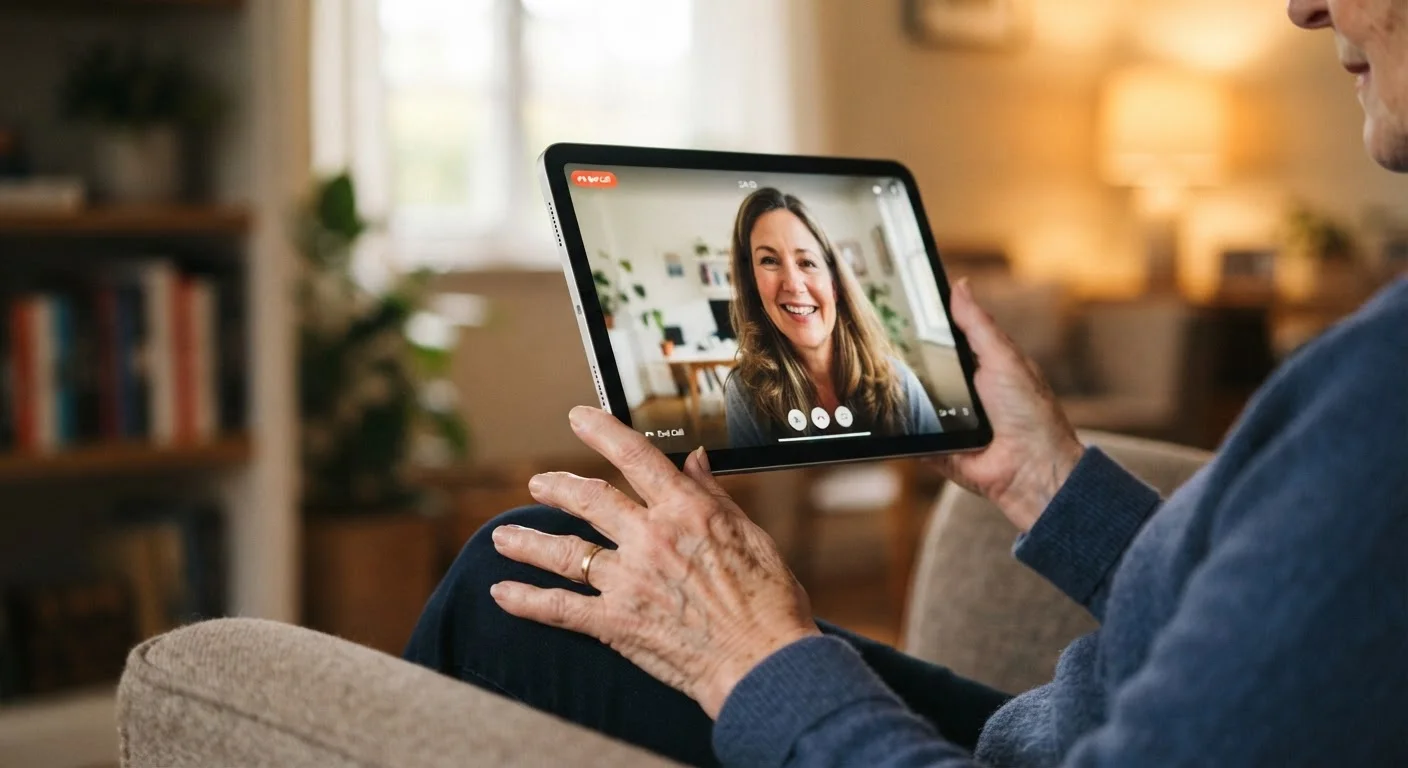
Well-intentioned setup by a family member can result in a device that doesn't match the older adult's actual preferences or physical needs. Adjusting settings collaboratively - such as text size, volume, and layout - leads to better adoption and fewer requests to "fix" things later. If remote setup is unavoidable, schedule a video call to walk through key settings together.
It's also worth noting how tablets differ from smart displays, which are fixed home devices designed primarily for ambient use. If the goal is a shared household screen rather than a personal portable device, our smart display overview covers the tradeoffs clearly. For households setting up multiple devices for different age groups, our guide to tablet controls for children addresses the parallel challenges at the other end of the age spectrum.
This article is for general informational purposes only. Individual needs vary; consult appropriate professionals for personalised guidance on assistive technology.
The content on this site is provided for informational purposes only and should not be considered a substitute for professional advice. While we strive to provide accurate and up-to-date information, we make no guarantees regarding its completeness or accuracy. Always consult a qualified professional for advice specific to your circumstances before making any decisions.